
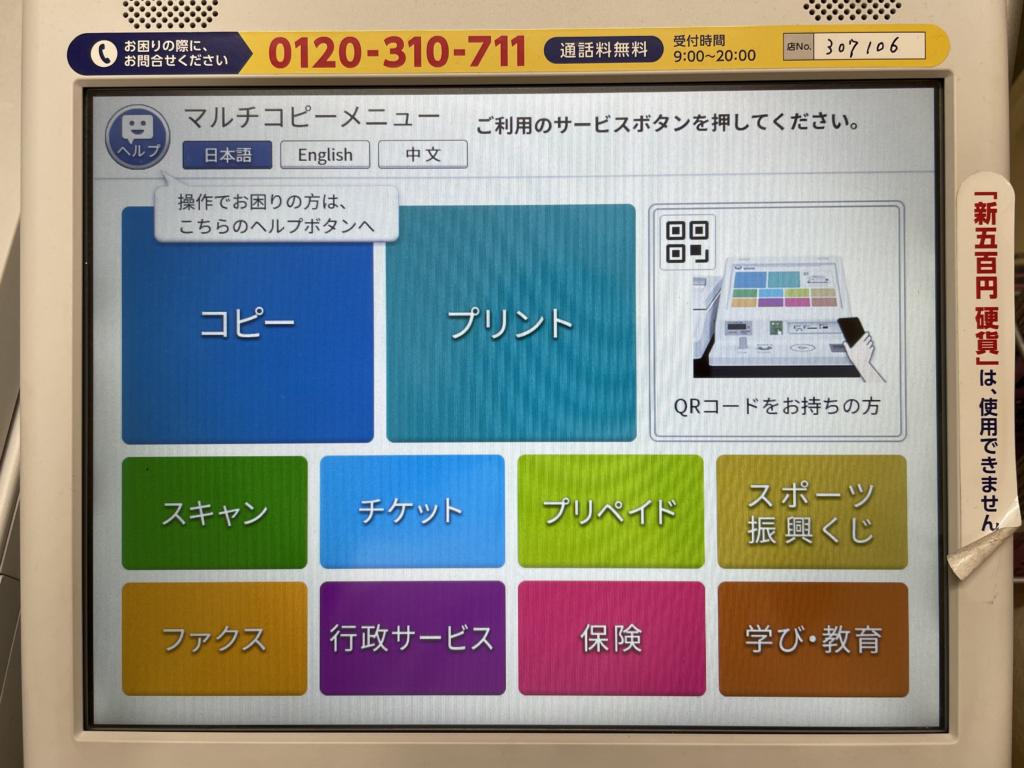
Seven-Eleven copy machines have a function called "booklet printing" that automatically prints on both sides of the paper. Here we summarize how to make a photocopy book using Seven-Eleven's booklet printing for beginners in doujinshi activities.
Seven-Eleven Net Printing Course Vol.12 Cheap A5 Printing with Document Print [Part 1] - Sleepless Night Sky
night.littlestar.jp
For A5 books, this method can further reduce the price.
However, as you can see, this method requires quite a bit of initial effort and a certain amount of dedicated knowledge.
summary
Once you get the hang of it, booklet printing is easy to produce.
If you have dropped the idea of asking a print shop to do it for you, this may be just what you need. The price is reasonable, so it is worth a try!
Related Links
This is a summary of how to make a copy book or doujinshi at 7-Eleven's "Booklet Printing". Please check out the related links below.
How to make a copy of a book for doujinshi beginners - RENOTE
renote.net
Here, we have compiled a simple method of making photocopied books for those who want to start their own doujinshi activities. Since this is a handmade method that does not involve a printing house, it is ideal for beginners of doujinshi. Specific instructions for writing, binding, and reference sites are also included.

Contents
- Seven-Eleven copier service "booklet printing"
- Doujinshi and booklet printing go hand in hand.
- For four-frame comic doujinshi
- 1. Created with DTP software "Scribus (Ver. 1.4.1)
- 2. "Document printing" at a Seven copy machine
- Specify the number of copies to be printed and insert coins.
- 4. Binding
- Doujinshi (story manga)
- Data used for printing
- 1. Create a full-size document with a resolution of 600 dpi.
- 2. "Document printing" at a Seven copy machine
- 3. Bind the printed book
- Printing quality and price
- Full-size printing is not possible.
- Recommended for
- summary
- Related Links