
There are times when a console appears on the "Battlefield 1" game screen. The console appears mainly in Japanese keyboard environments when the half/full-width keys are pressed, and while it is useful for executing arbitrary commands, it can also get in the way during play. Here we explain how to turn off the console.
Problem with console not disappearing or closing when playing BF1
The BF1 console does not close incomplete combustion
Many BF1 players seem to be facing this problem.
BF1アプデでコンソール消せなくなった笑
— GAGApe (@FPS_GAGApe) November 15, 2016
BF1コンソール開いて操作不能になった ググった調べ方じゃ直らんかったしウンコ
— しるびー (@Boltrize) 2016.11.15 20:38
BF1やってる時にコンソール出てきて、 いつもなら@キーか半角/全角キーで戻るやつなのに今作何故か変わってるのか戻らんくて死んだわ
— な (@100manenhosiina) November 14, 2016
BF1コンソール解除できない
— にゃんきち (@NOnameCAT1234) November 13, 2016
英語入力にしていても BF1でコンソールが戻らない時がある
— かえりゃんせ(`・ω・´)ゞ (@gamer_kaerynase) 2016.11.13 07:17
BF1のコンソール日本語キーボードで消せないとか頭おかしい仕様なんだが
— Chack_Alice @3000ダメージハンマー逃しニキ (@Chack_Alice) November 13, 2016
How to close the console
Troubleshooting Console Problems
First, add the US keyboard from the language setting.
↓
Windows key + space at the same time when the console is opened.
↓
All you have to do is to press the half-pitch / full-pitch key.
By Windows, how to turn off the console
Source: walldiskpaper.com
For Windows 7
Right-click the Language bar -> Settings
Click Add in the General Tab for Text Services and Input Languages to add US for English (United States)
Click Change Key Sequence in the "Advanced Keying tab" for Text Services and Input Languages.
Set shortcuts for switching input languages
Enter a shortcut to switch the input language with BF1. (It seems that BF1 may not respond at once, so if it does not respond, enter it again.)
After changing the US keyboard, you can close the console by pressing the half-pitch / full-pitch keys
Source: gamefavo.com
Windows 8 and Windows 10
Start menu → Settings → Time & Language → Region & Language → Add Language
Add English (US)
Change the language to English (United States) by entering Win key + space in BF1.
You can close the console by pressing the half-pitch / full-pitch keys (unconfirmed)
Source: gamefavo.com
Video Commentary
[BF4] How to return when win10 console screen appears BF4 for PC Solves the console problem in Windows10!
In the video, it is BF4, but it can be fixed in the same way with BF1.

Related Articles
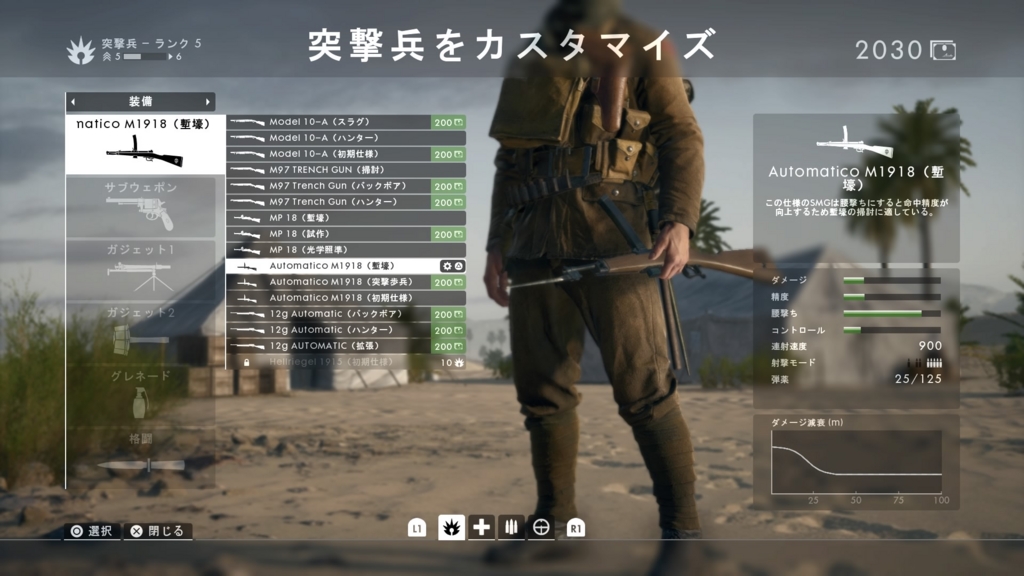
Summary of the most powerful weapons and descriptions by BF1's military disciplines [Battlefield 1].
Battlefield 1 is an FPS in the Battlefield series. Although it is called "1," it is the 12th title in the series. In this title, there are many different types of soldiers, such as assault soldiers, nurse soldiers, support soldiers, and reconnaissance soldiers, and each soldier makes full use of different weapons and gadgets. Here, we have compiled a list of the most powerful weapons for each military unit, along with explanations.
Read Article
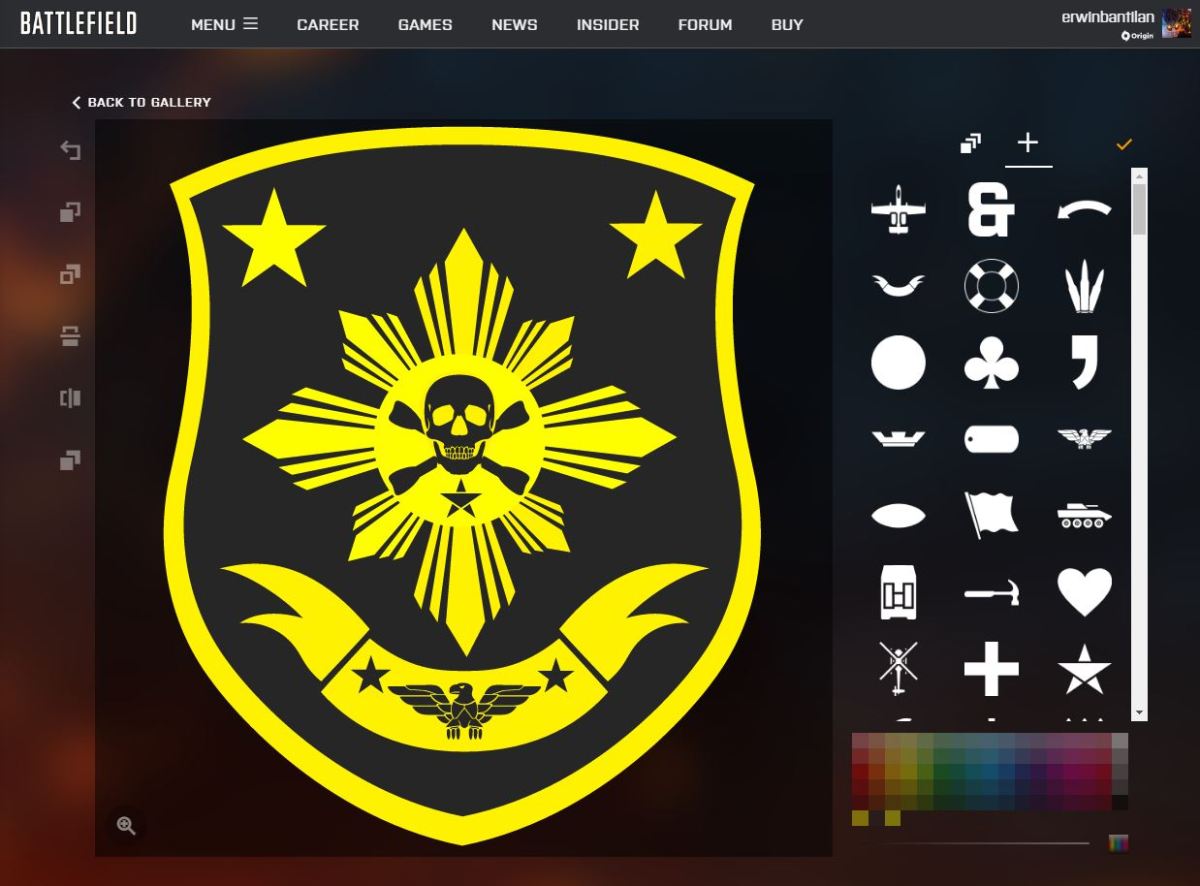
Summary of how to change emblems in BF1 [Battlefield 1 Explained].
In "Battlefield 1," players can create and use customized emblems, which will be displayed in place of the default emblems on their soldiers' uniforms, guns, and vehicles, and will also appear on their opponents' screens when they kill them. In addition to creating your own emblem, you can also apply emblems created by others. Here is a summary of how to change emblems.
Read Article