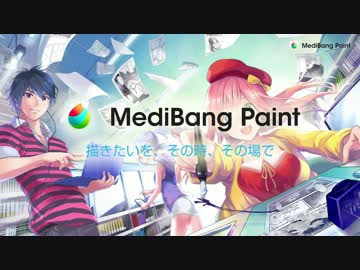
Manga and illustration! This illustration software is compatible with Android, iPhone, iPad, and PC! You can draw anywhere, anytime! Introducing such free software.
What is Medivan Paint?
Free software that allows you to draw illustrations on various models of PCs, smartphones, and tablets.
You can share what you have drawn with each tool in the cloud!
You can also share with your friends, so it is a convenient software for collaboration.
All materials, brushes, and tones are free!
You can use this software for thick paint, watercolor style, and cartoon style.
For those who want a full-fledged illustration software, but don't have the money ......
Medivan Paint HP
medibangpaint.com
Basic Operation Making iPhone Edition
Medivan Paint for iPhone How to Use Let's learn basic operations by watching the drawing flow1
Rough sketch→draft→line drawing
The flow from rough draft to drafting to line drawing is shown, and the layer function is also introduced.
Medivan Paint for iPhone How to Use Let's learn basic operations by watching the drawing process 2
Coloring→Background→Completion
Explanation of the flow from coloring to background to completion.
Explanation of how to use the brush tool, bucket tool, and background tones.
Medivan Paint for iPhone How to Use Let's learn basic operations by watching the drawing flow3
The main king of the iPhone production process.
As you can see, it has all the functions necessary to draw digital illustrations.
It seems that the basic idea is to use a stylus instead of drawing with a finger.
There is also a sharing function, so you can save your work to the cloud and fine-tune it on your PC.
Basic Operation Making Android Edition
Medivan Paint for Android How to Use Let's learn basic operations by watching the drawing flow1
Rough sketch→draft→line drawing
The flow from rough to draft to line drawing is explained.
This video is narrated and the explanation is very detailed, so it is very informative.
Medivan Paint for Android How to Use Let's learn basic operations by watching the drawing process 2
Coloring → Background → Completion
The flow of the process is as follows.
The backgrounds are made of materials, and it can be seen that there are a large number of them.
Basic Operation Making PC Edition
Medivan Paint Pro Beginner's Guide 1 Let's learn basic operations with coloring pictures.
Borrow line drawings and learn to operate by coloring.
You will be introduced to how to call from the cloud, and you will also learn about deformation and the bucket tool.
Medivan Paint Pro Usage Elementary 2 Let's learn basic operations with coloring pictures.
It explains how to use tones as backgrounds, etc., for those who are not good at backgrounds.
Medivan Paint Pro Beginner's Guide 3 Let's learn basic operations with coloring pictures.
It explains how to process tones for backgrounds, etc.
Even if you are not a medivan painter, if you are not good at backgrounds, it would not be a bad idea to take a look at this.
It will be helpful to know how to use it in this way.
Other
Useful shortcuts to remember (Windows)
Temporary palm→"Space
Zoom in/out→"Ctrl+Space+Drag up/down
Change brush size→"Ctrl+Alt+drag left or right
Rotate in the desired direction → "Alt+Space+Drag
Release rotation/reverse → "↑".
Flip → "↓".
Rotate right→"→"
Rotate left → "←
Straight line→"Shift+click
Eyedropper→"Alt
Add selection→"Shift
How to assign shortcuts
File" -> "Shortcut Settings
Shortcut Settings".
pixiv Lecture
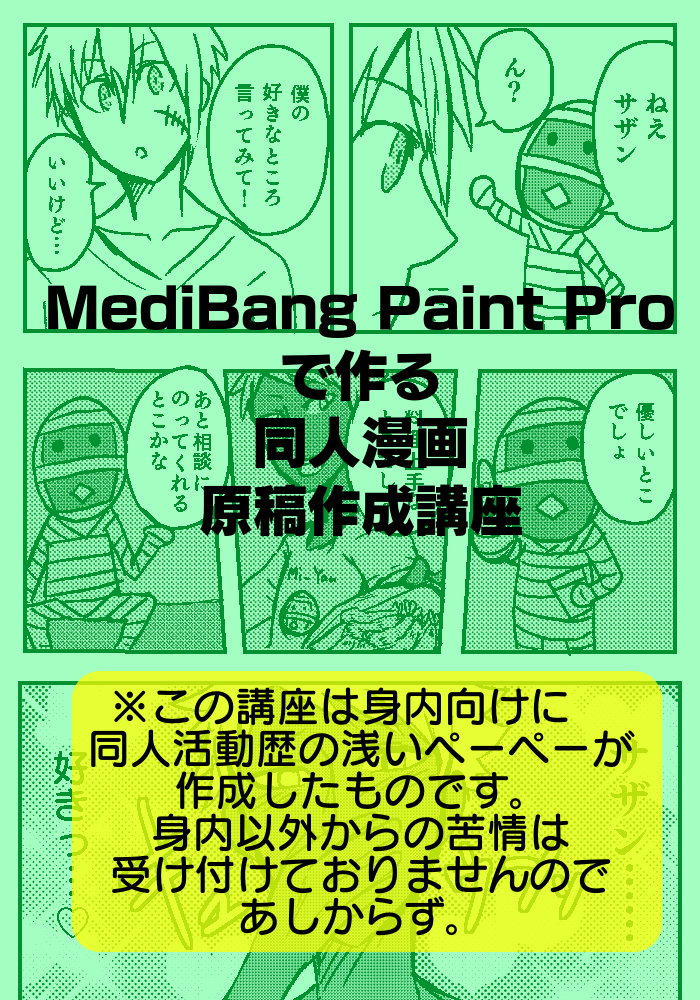
Lecture on Doujinshi Manga Manuscripts Created with Medivan Paint Pro
www.pixiv.net
A manga production course.
It is easy to understand and explained, and should be read by anyone who is new to drawing cartoons in Medivan Paint.
Finally.
Did you find the videos and other information we introduced helpful?
Medivan Paint is an amazing software that allows you to draw so much for free.
It is attractive because it has a low threshold for first-time users of full-fledged illustration software, and it is easy to start using.
Although SAI and other software are probably more well-known, you can also draw with this software, so if Medivan Paint doesn't suit your needs, you can just switch to another software.
It is true that paid software has various more solid functions, but this one combines various functions as well as that.
It is attractive enough and has excellent functionality.
For those of you who want to get started with digital illustration, here you go.