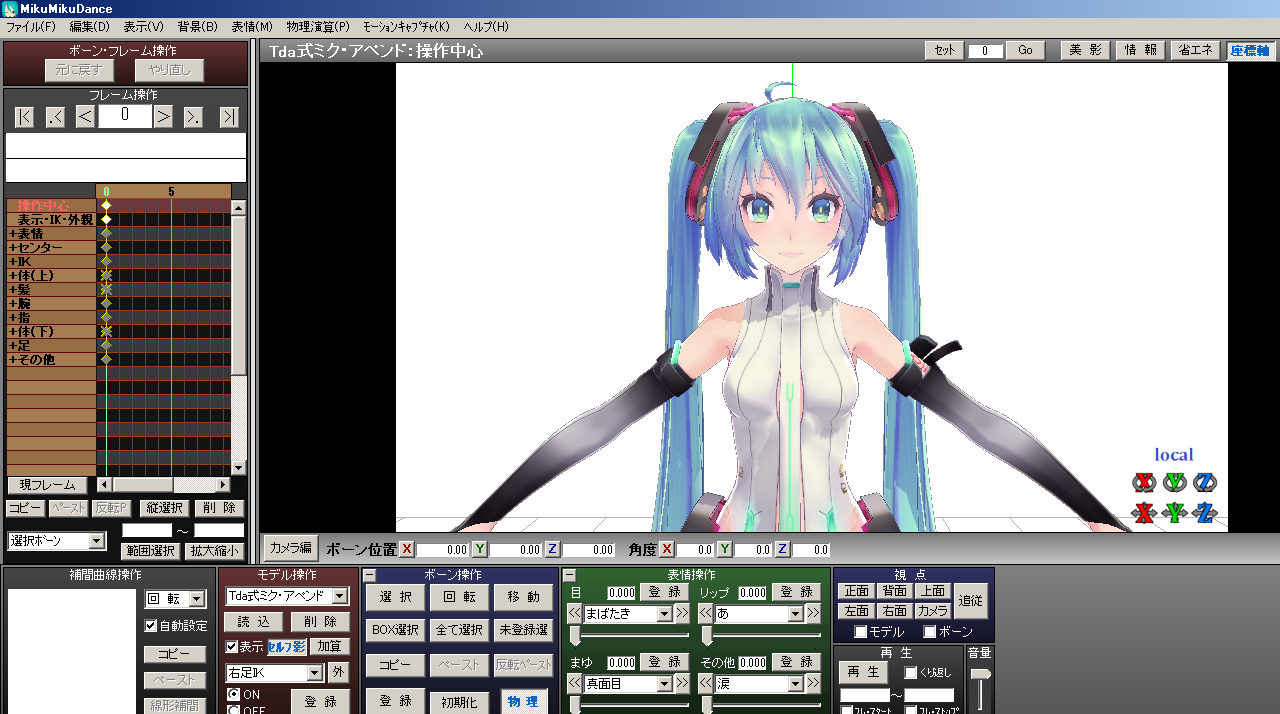
MMD has recently become a hot topic for its high quality images and models, and we will teach you how to start using it. In this article, I will show you how to borrow and load motions and poses that you can enjoy by yourself.
Introduction.
MMD is free software.
It runs on XP/Vista/7/8/10.
Choose according to your own specs.
In this article, we will introduce how to install MMD, how to get and load models, and how to get and load motions and poses.
At the very least, we will introduce you to the extent that you can enjoy looking at the models by yourself.
Models and motions are distributed as a courtesy.
Please be aware that you are borrowing them, and read and follow the terms of use carefully.
Introduction of MMD
VPVP (MMD original)
sites.google.com
This is a distribution point for the MMD itself.
Download the one that fits your specs from the link above.
Then, just unzip it!
That's it for installing MMD itself.
Next is how to find and install models.
Find model -> Load
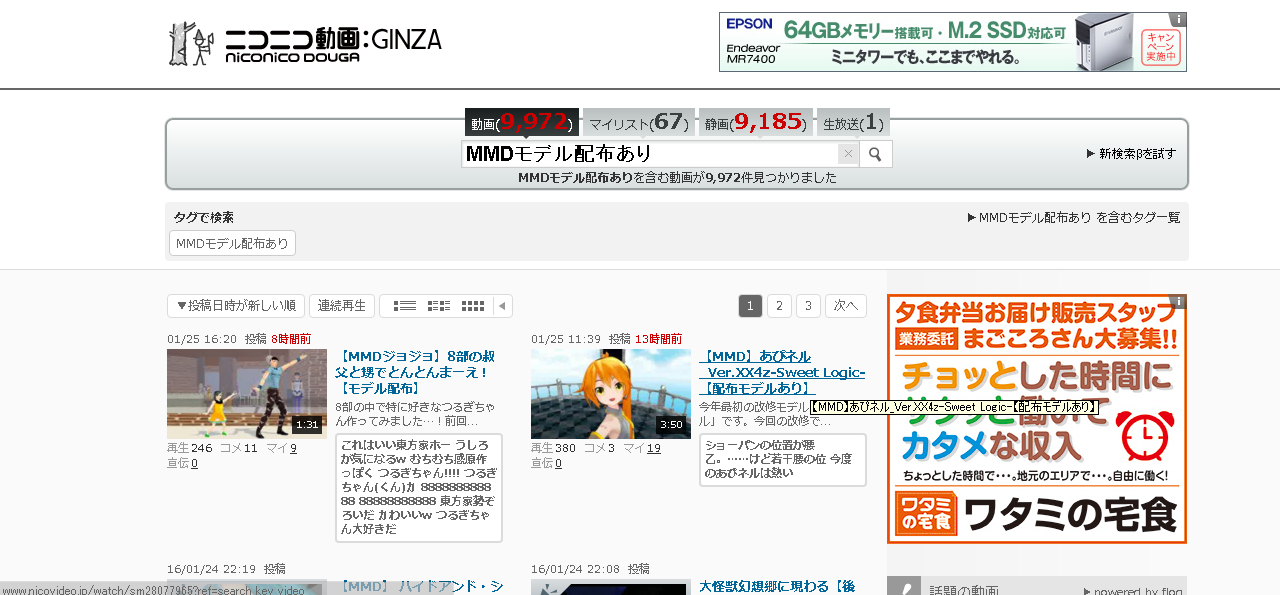
Search for "MMD model distribution available" on Nico Nico Douga.
Download the models you like.
When downloading, read the postings carefully, as there is often a pass for downloading.
VPVPwiki
www6.atwiki.jp
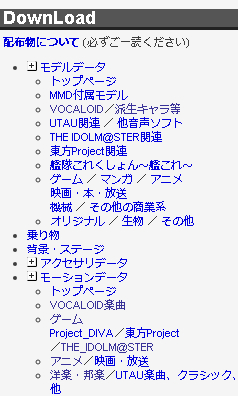
The above wiki has a collection of model data, etc., as shown in the images, so find your favorite model and download it.
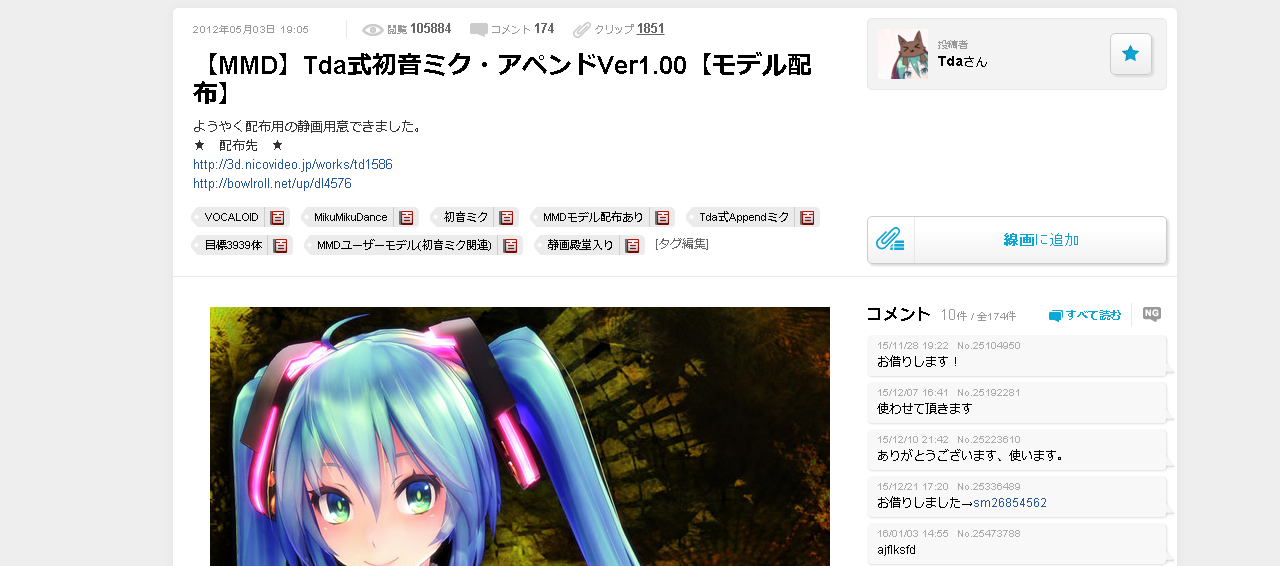
I will be downloading this Tda style Hatsune Miku.
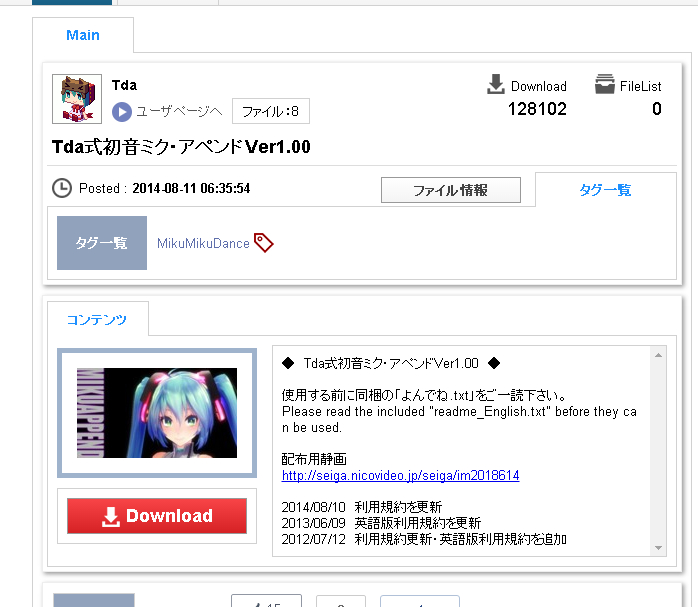
Click on the red Download button here.
Then you can download it.
You can save it anywhere you like.
In this case, I saved it to the desktop for simplicity.
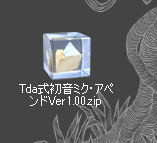
Double-click to decompress.
After unzipping, place the extracted folder in the MMD folder for clarity.
The best place to put it is in the "UserFile" -> "Model" folder where the exe is located.
If you put the folder there, it will be easier to load the models from the main body of MMD.
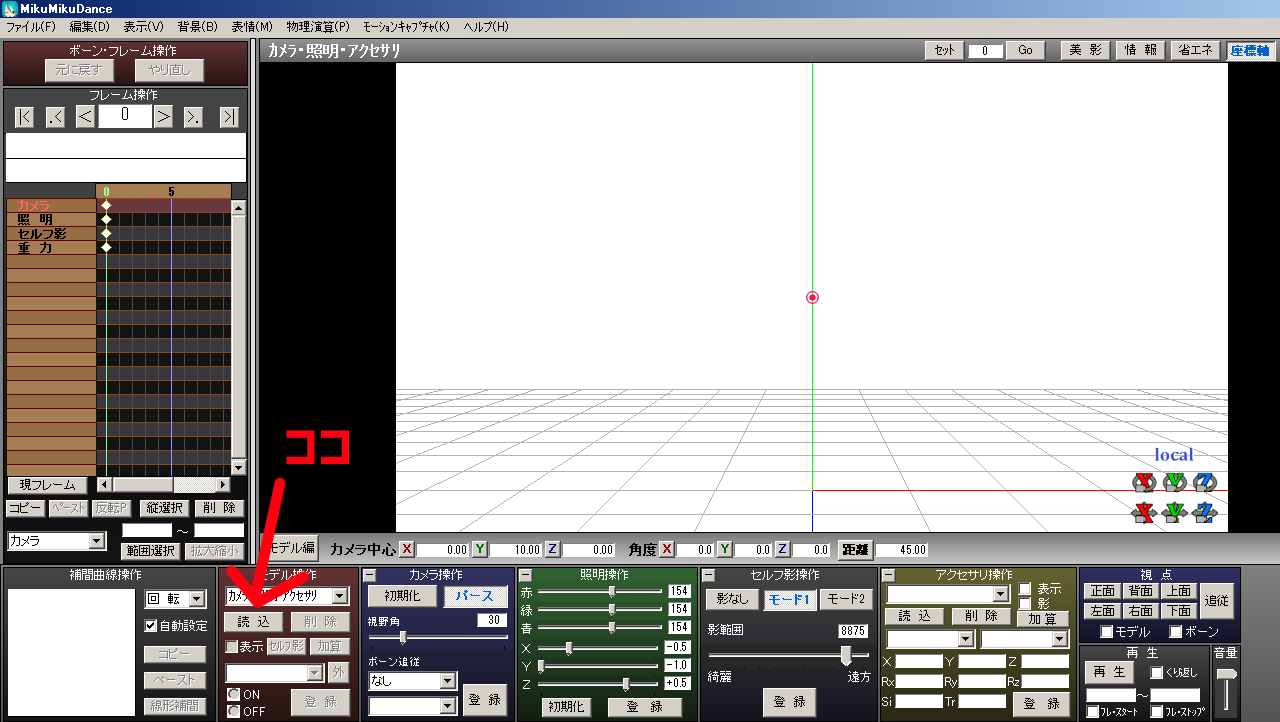
Start MMD itself and click on the arrow in the image.
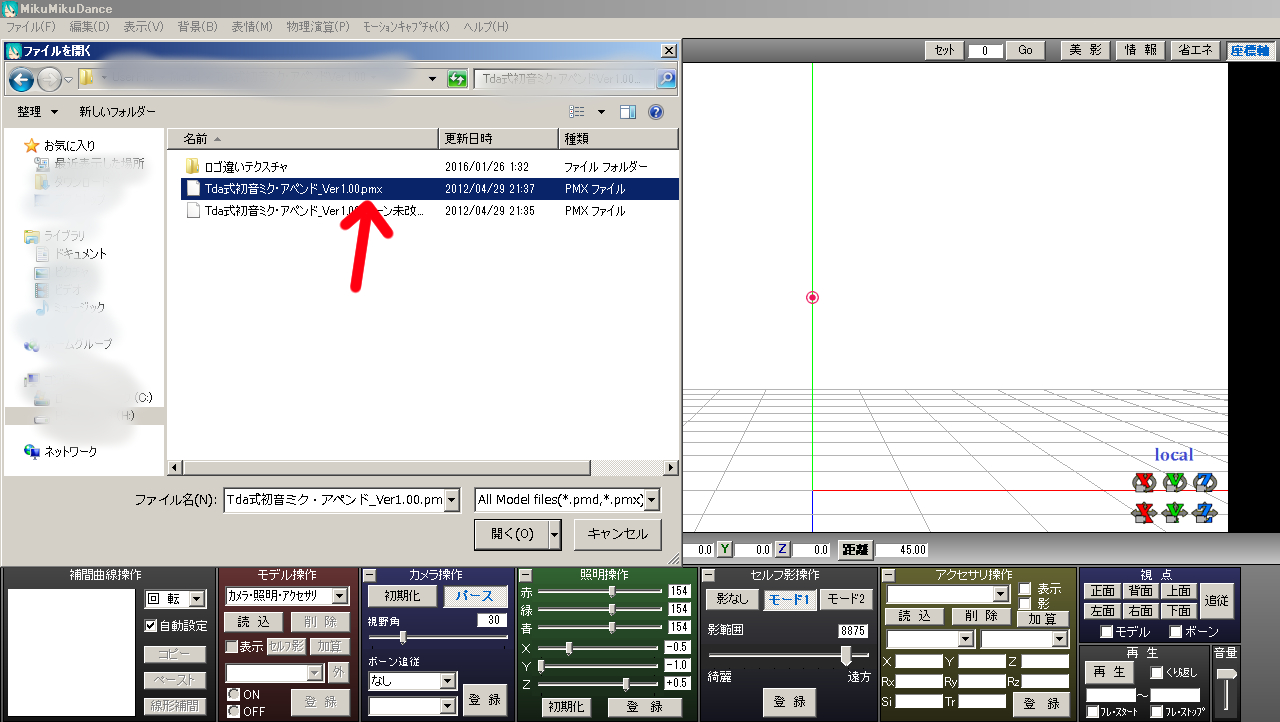
Then you will get a file selection, click on the one with the arrow to load it.
The model files that can be loaded are those with the pmd/pmx extension.
For accessories, it's a different story, but we'll leave that for another time.
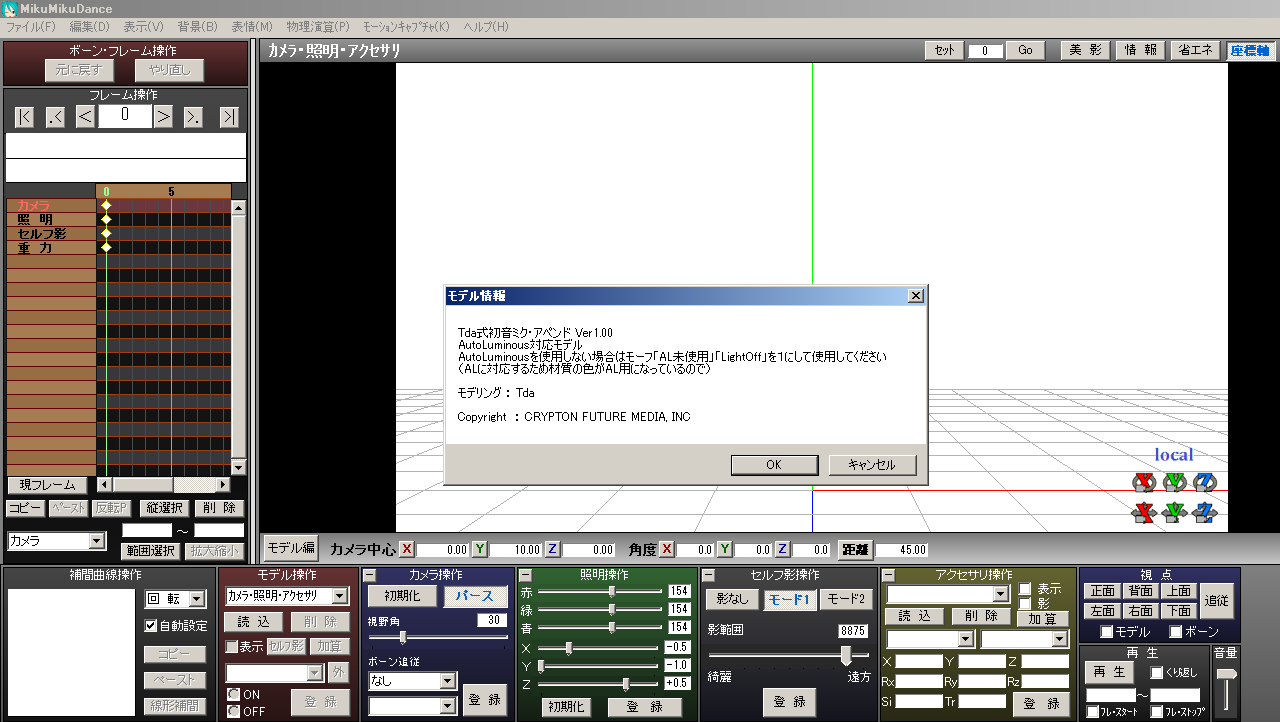
A pop-up window like this will appear, so read it carefully and click OK.
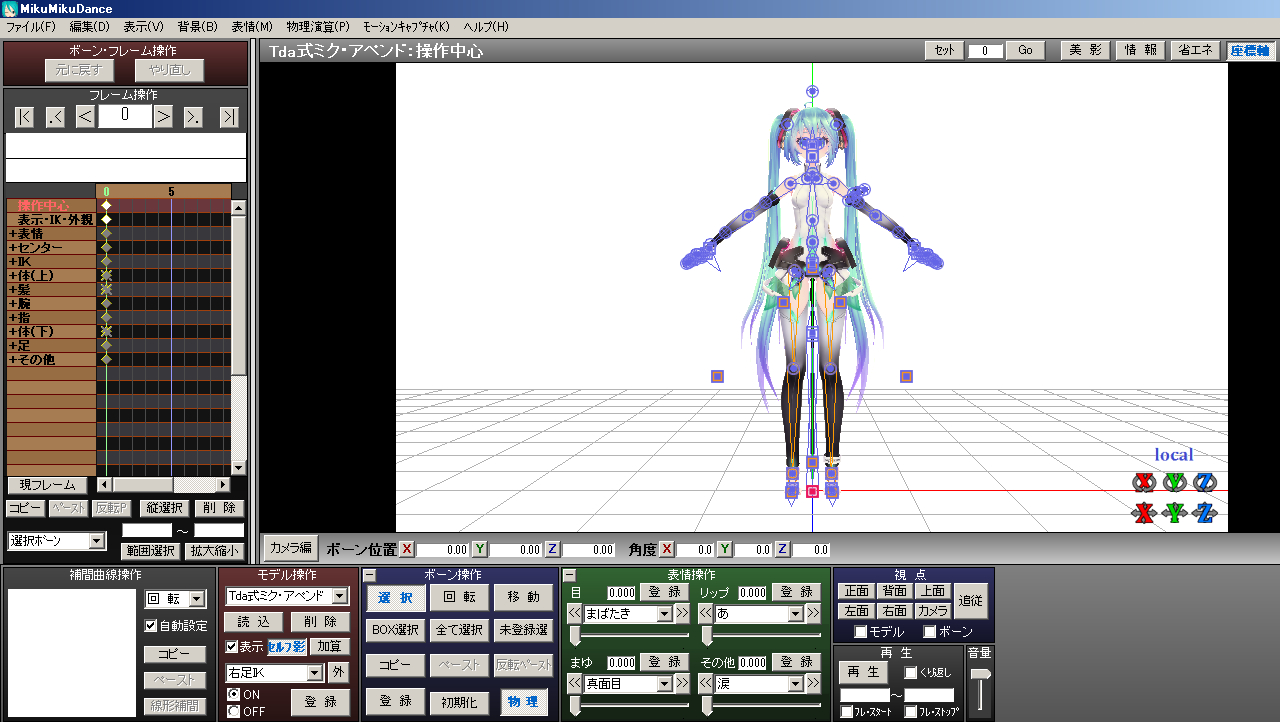
Then the MMD model can be loaded.
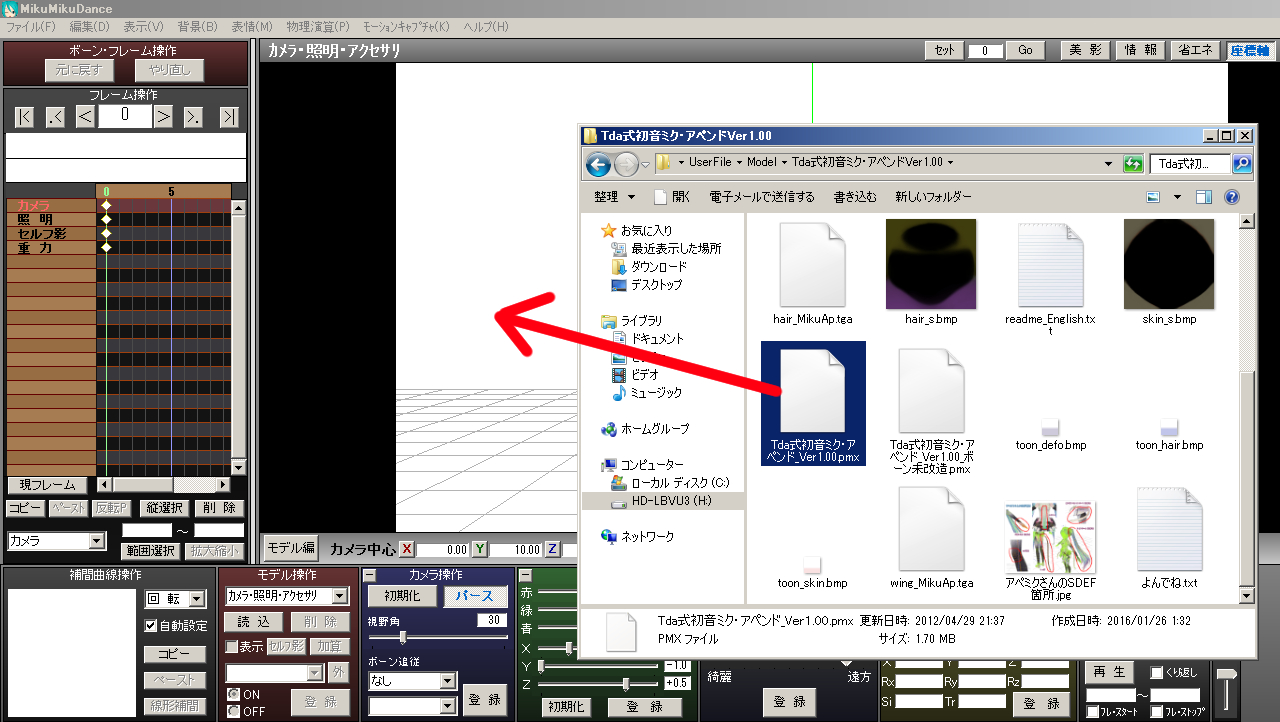
You can also drag the pmx/pmd extension directly in this way.
That's it for loading models.
Next, we will show you how to load motions and poses.
Pose and Motion Search → Load
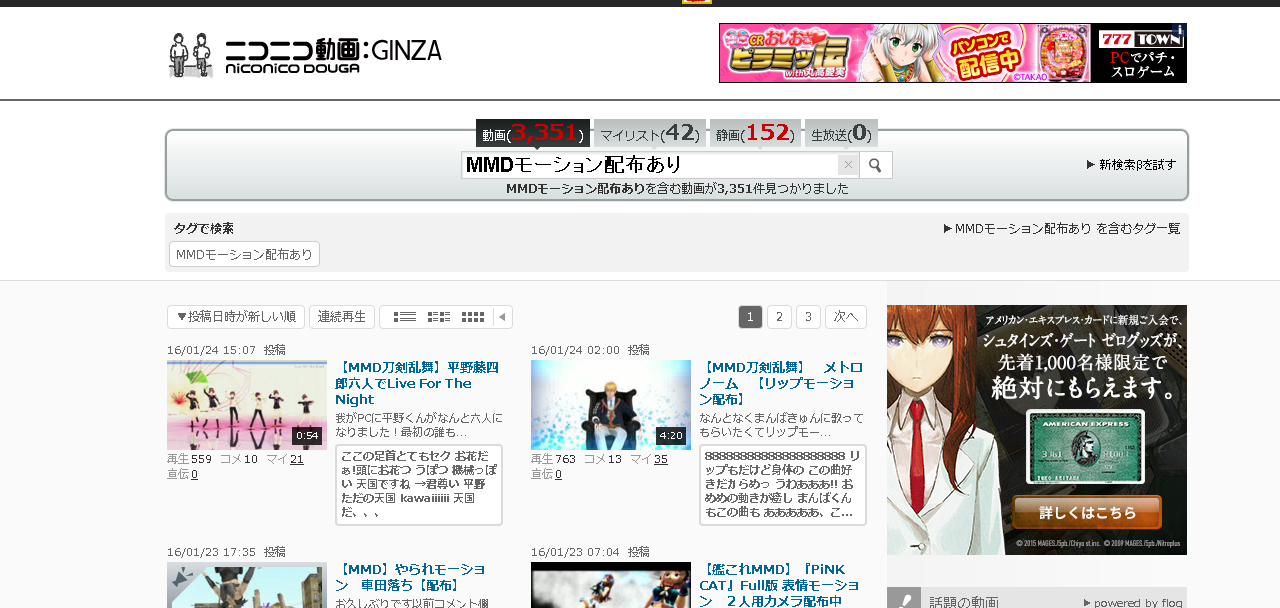
For motions, search for "MMD motion distribution available".
Various motions are available.
Mostly Vocaloid songs, but there are also motions for Japanese and Western music, and even motions for everyday movements.
Many of them have a pass set, so be sure to read the postings carefully.
After downloading, read and abide by the terms and conditions included with the file.
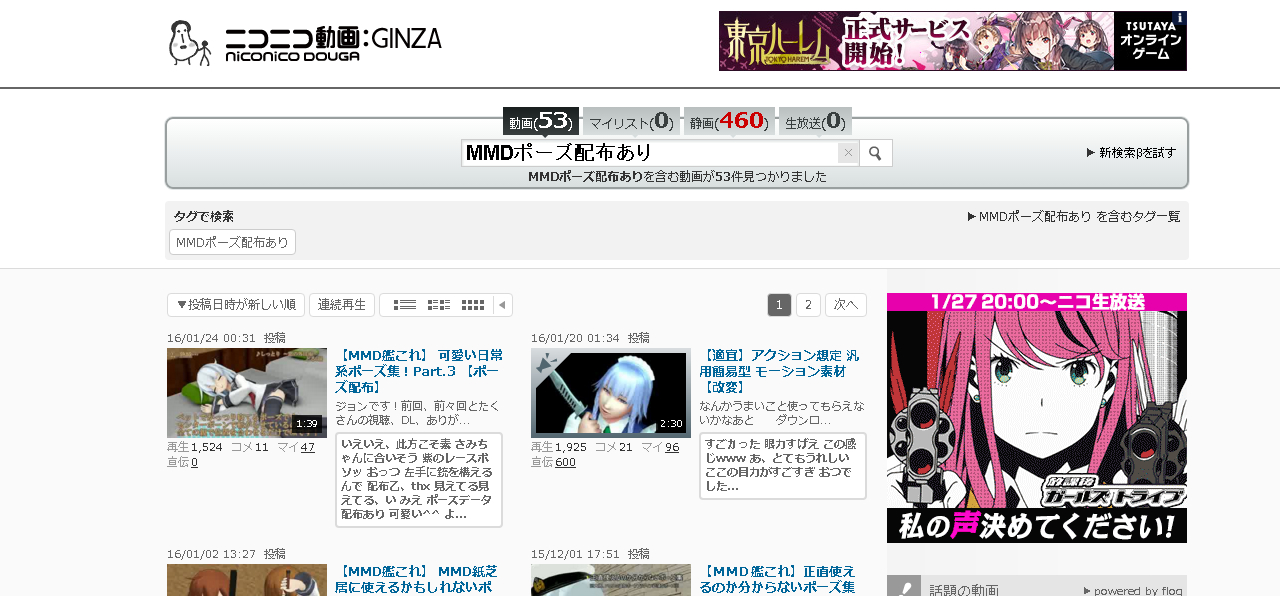
For poses, search for "MMD Pose Distribution Available" or "MMD Data Distribution Available".
In many cases, the path is set, so read the posting text carefully before downloading.
Alternatively, you can search there as it is summarized in the VPVPwiki where you can find the model.
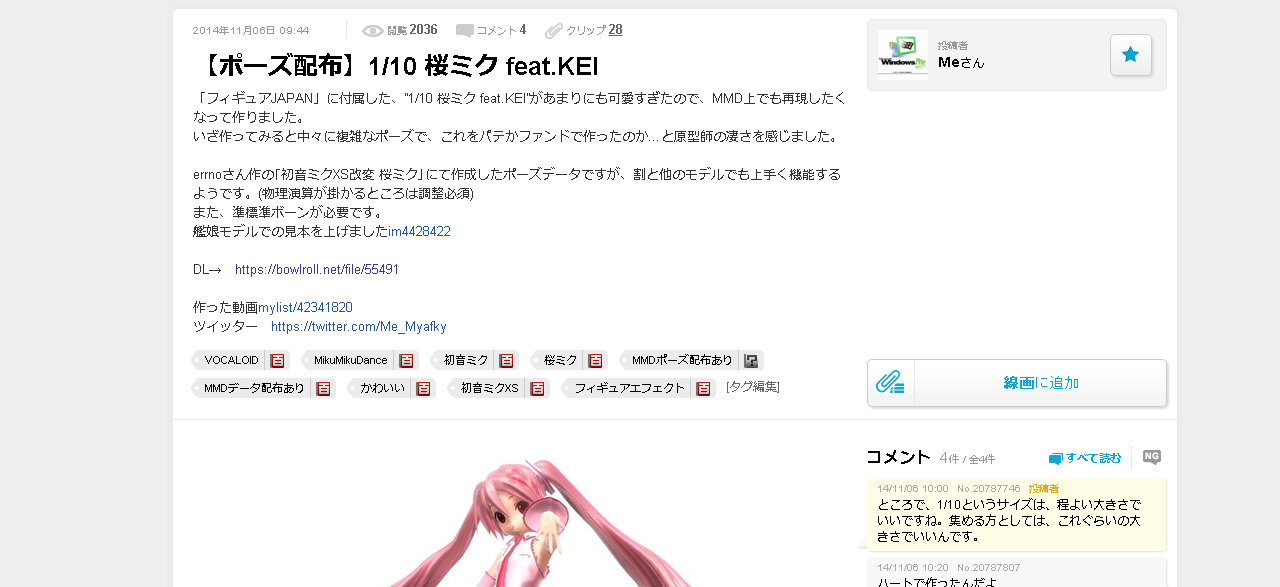
Here are the poses we will be using.
The download method is the same as for the model, so I will omit it.
We recommend that you save it in "MMD" -> "UserFile" -> "Pose".
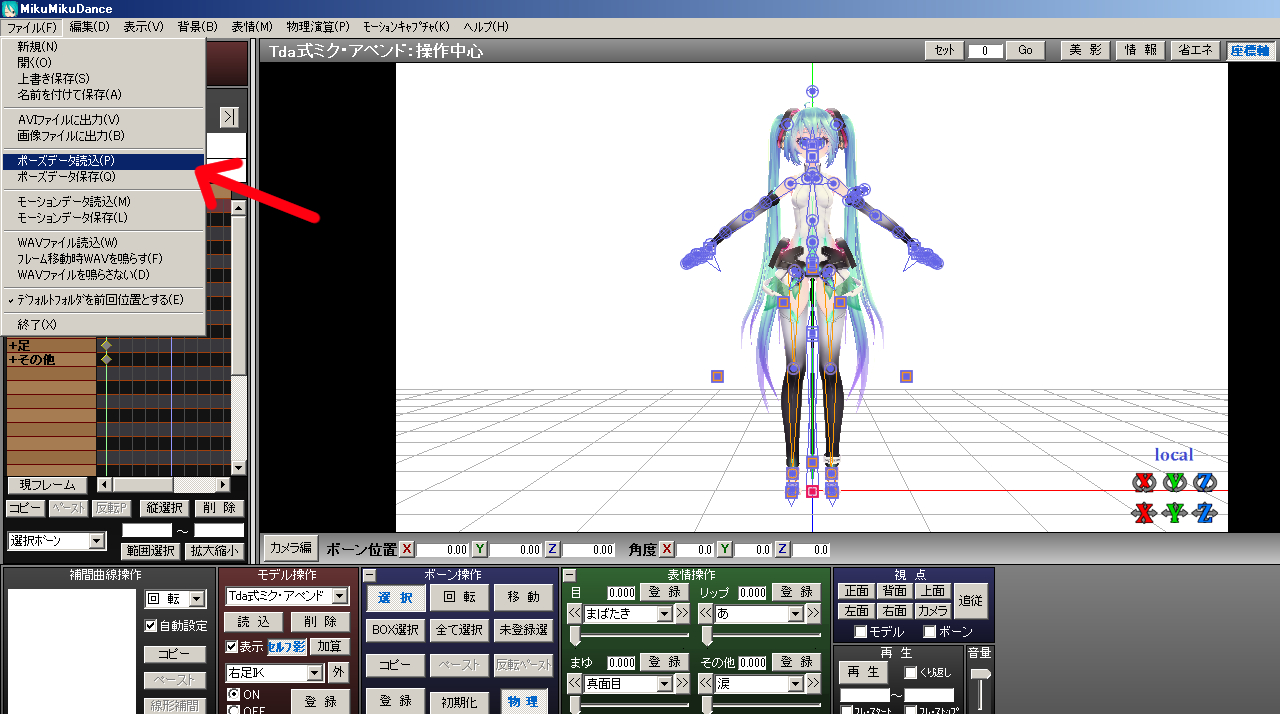
Start MMD, load the model, and click on the arrow in the image.
Click on "File" -> "Load Pose Data".