
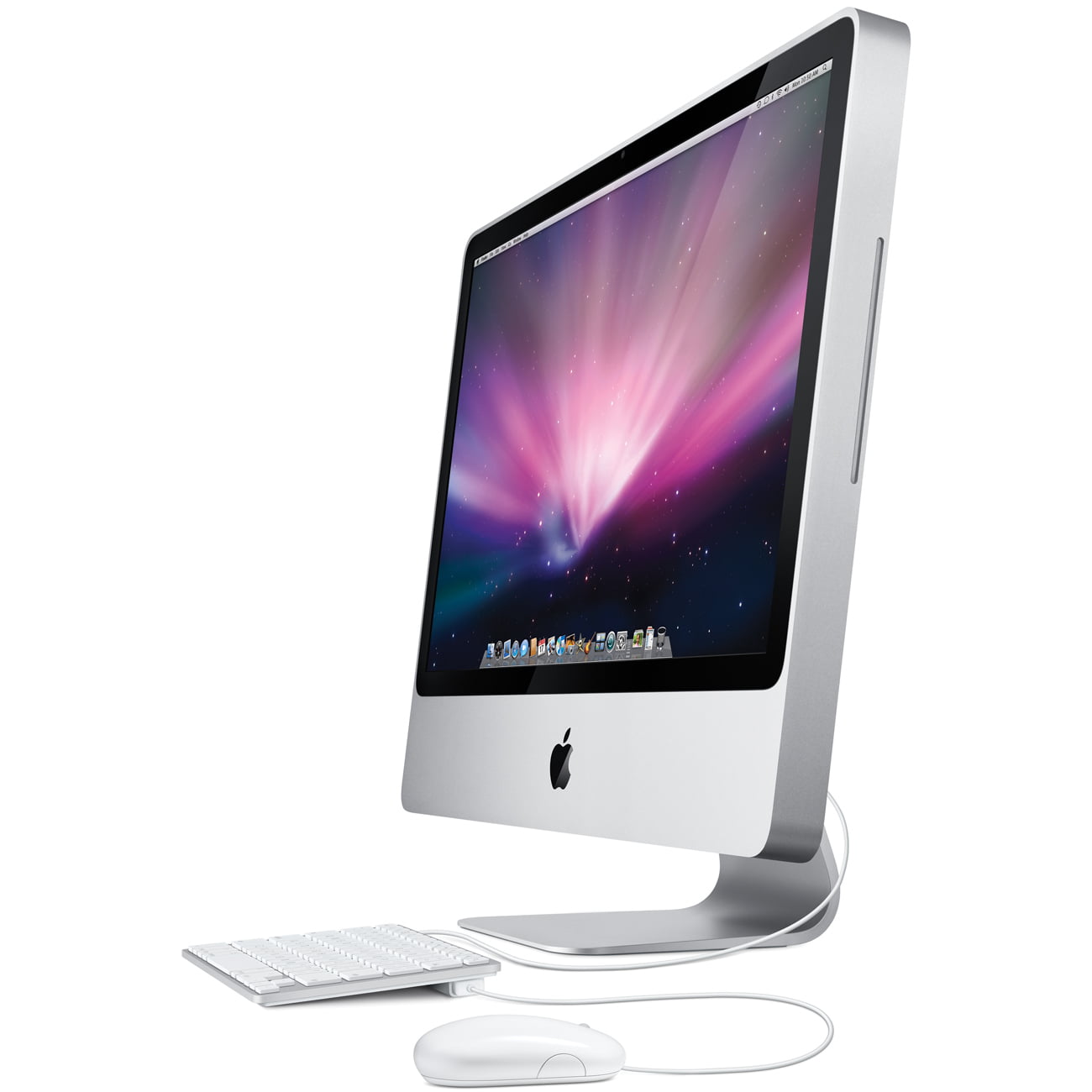
Here, we explain in detail how to download YouTube videos for free on a Mac. Mac" is an abbreviation for Apple's Macintosh computers, which have a different operating system (the system software that runs your computer) than Windows, and therefore support different software.
The free YouTube video download methods described here include "using a download service on the Web" and "using a browser extension.
There are three ways to download YouTube videos for free on Mac
Using Internet Services
The first method is to use a web-based download service using a browser such as Safari, Google Chrome, or Firefox. It can be used on any platform, so you can use it on both Windows and Mac.

Download and save YouTube videos instantly from your browser
This is a site that allows you to download Youtube videos instantly with a single click.
■Website
http://youtube-video-download.info
ClipConverter
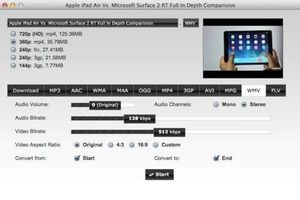
This site can be used as a web-based service, but extensions for Safari and GoogleChrome are also available.
As the name suggests, the site is also equipped with a file conversion function that allows you to convert mp4 files into various formats for downloading.
There is also a Mac application of the same name available on this site, which is simple and easy to use, although there seems to be a limit to the number of times it can be used per day. It is simple and easy to use, and supports many conversion formats.
Website
http://www.clipconverter.cc
■Free download
http://www.clipconverter.cc/desktop/?lang=jp

Offliberty
It is very easy to use.
Simply copy and paste the URL of the YouTube page you wish to download into the space provided and click the button marked "OFF" below.

Then you will be ready to download the first audio-only MP3 file.
Click on "I want video file" again and the box will turn yellow, then click on that area to start the download.
■Website
http://offliberty.com

KEEPVID
As with the previous service, copy and paste the URL of the YouTube page you wish to download into the blank space in the middle.
Click the button on the left that says "DOWN LOAD" to see the files embedded on the page.
The big "DOWNLOAD" button in the middle is CM.

This site has a bookmarklet (upper right corner of the page).
If you put this in your browser bookmarklet, you can conveniently jump to this page by simply clicking the bookmarklet on the YouTube page.
Website
http://keepvid.com
Use browser extensions

Fastesttube
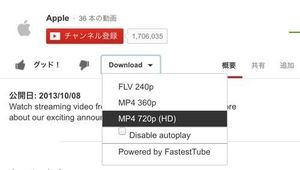
Extensions are available for Safari, Google Chrome, etc. Download and install these extensions.
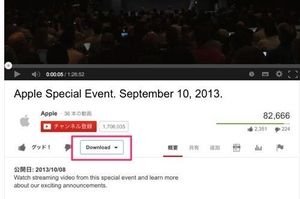
Go to the YouTube page you want to download with the extension enabled, and you will see an additional pull-down menu for downloading, click on it to download the file of your choice.
■FREE DOWNLOAD
http://kwizzu.com
[Attention.
If you enable this extension, the feature called Adlesse will be turned On, and the ads will not be displayed, but will be replaced by the image shown below. (You can switch between the two)
Using Applications
Install and download the application for Mac.

MacTubes
An application called MacTubes is distributed free of charge. You can also install and download this.

It is easy to use. Just copy and paste the URL of the page you want to download into the blank space in the upper right corner of the screen.
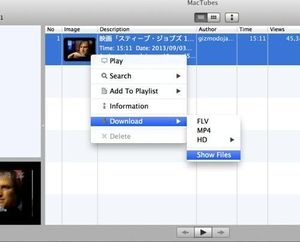
A thumbnail will be displayed. Right-click on the file you want to download and select the file you want to download under "Sow Files".
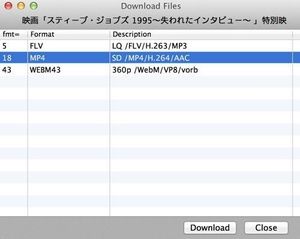
■FREE DOWNLOAD
http://macapps.sakura.ne.jp/mactubes

MacX YouTube Downloader
This application can also be used for free if you only want to use the download function.
If you upgrade for a fee, you will be able to perform file conversion and other functions.
Free download
http://www.macxdvd.com/free-youtube-video-downloader-mac/index-jp.htm

Torch Browser for Mac
It is not a download application, but a browser with a download function.
It has many deep-rooted fans because of its crisp and light movement.
■Free download
http://lp.torchbrowser.com/?sysid=448&appid=260
Let's try free YouTube download as soon as possible!
Guinness World Records! Kenta Imamiya of Softbank made a super catch that will go down in history!
Softbank's Kenta Imamiya, a ranger, makes history with a super catch! A Guinness-class divine feat! This play will be registered in the Guinness Book of Records.
He jumped after Hanshin Uemoto's fly ball in front of left field backward. The ball came out of his glove once, but before it landed, he stretched out his arm again to catch it. I can't believe we are the same person with his amazing physical ability... LOL!
As a fellow baseball player, I was impressed. (June 8, Hanshin-Softbank)
